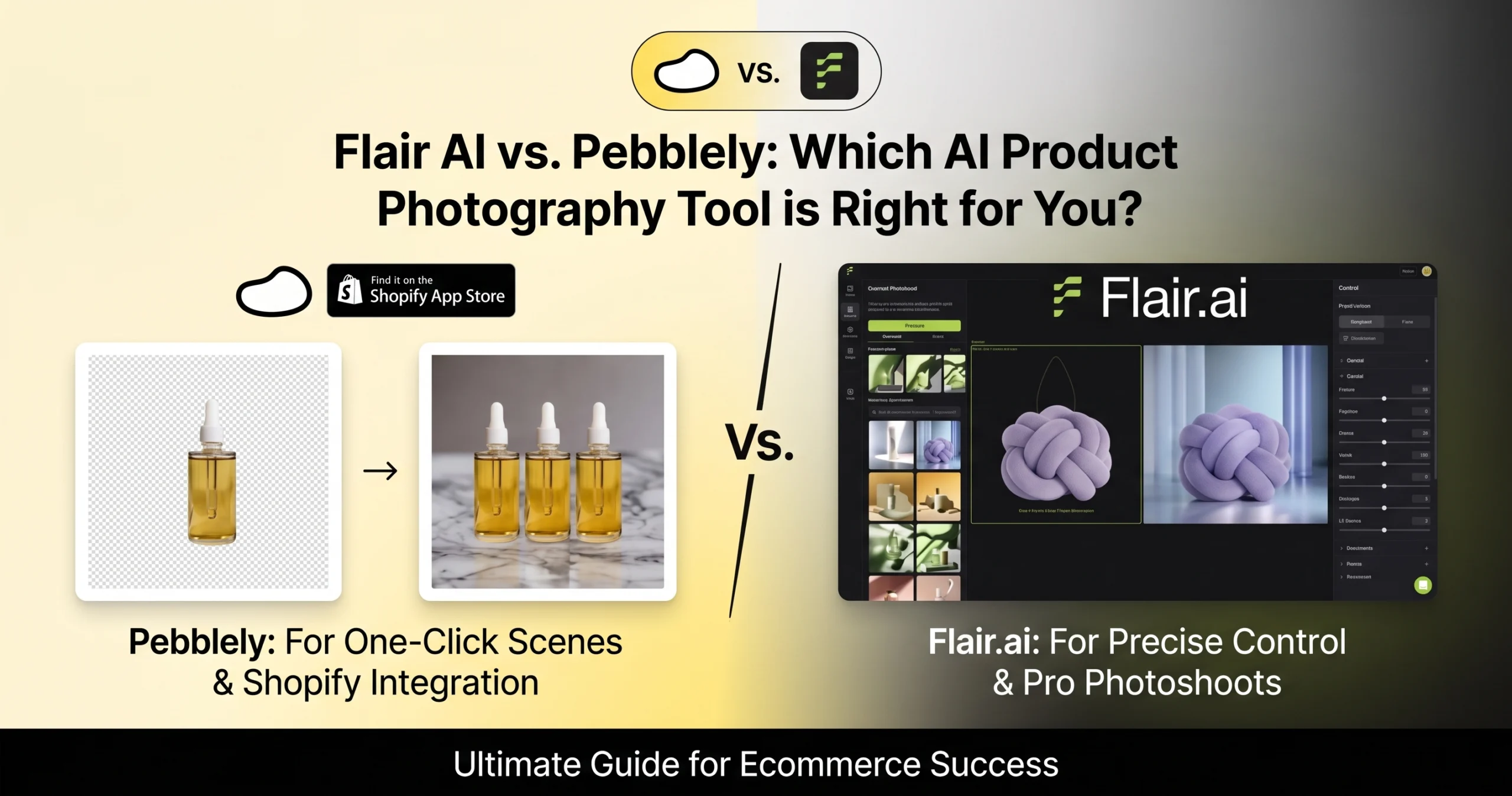

For modern DTC brands, dropshippers, and Amazon sellers, hiring commercial studios for seasonal product photography is no longer sustainable. When choosing between the two market-leading generative platforms—Flair AI vs Pebblely—the decision comes down to a fundamental trade-off: granular artistic canvas control versus rapid turnkey batch generation.
Head-to-Head Comparison
• Choose Flair AI ★★★★☆ (4.5/5): You need custom art direction, 3D prop staging (marble slabs, botanicals), directional lighting control, and AI human fashion models without warping your brand label.
• Choose Pebblely ★★★★★ (4.7/5): You want zero learning curve, rapid 15-second themed generation (kitchen counters, holiday backdrops), and hassle-free lifestyle variations for social feeds and email catalogs.
Flair AI vs Pebblely: Head-to-Head Technical Matrix
| Feature / Dimension | Flair AI (4.5/5) | Pebblely (4.7/5) |
|---|---|---|
| Workflow Architecture | Interactive 3D digital canvas (Drag-and-drop props) | Turnkey prompt/theme-based (Upload & generate) |
| Generation Speed | 40–90 seconds (including scene staging) | ⚡ 10–15 seconds per set |
| Shadow & Reflection Realism | Directional 3D light angles & surface bounce | Automatic ambient contact shadows & reflections |
| Product Label Preservation | 100% untouched foreground PNG cutout layer | 100% foreground pixel isolation (Zero hallucination) |
| On-Model Fashion Features | AI Human Models & custom body poses | No native human fashion models |
| Batch Generation Mode | Limited to canvas variations | Available on Basic/Pro tiers (Bulk collection sync) |
| Shopify Integration | Manual file export/import | Native Official Shopify App |
| Entry Price | Free tier / $10/mo | 40 Free photos / $9 to $19/mo |
1. Flair AI Deep Dive: The Digital Studio Canvas
As explored in our detailed Flair AI Review, this platform is built for creators and brands that require precise art direction. Instead of typing an open-ended prompt and praying the AI understands your vision, Flair provides an interactive 2D/3D workspace.
Where Flair AI Dominates:
- Granular Prop Placement: You can place real digital assets—such as raw pine branches, tropical monstera leaves, natural river stones, or liquid glass ripples—around your product packaging.
- Directional Lighting Physics: You decide where the virtual key light sits. If you position the light source on the top-left, Flair casts realistic directional contact shadows across the surface toward the bottom-right.
- AI Fashion & Human Models: For apparel and jewelry brands, Flair’s Human Builder allows you to dress realistic AI mannequins and models without expensive casting calls.
The Bottleneck:
Flair requires creative patience. Building an intentional composition takes 3 to 5 minutes per SKU. If you have 200 catalog items waiting to be staged, the single-canvas setup becomes time-intensive.
2. Pebblely Deep Dive: Turnkey Speed for High-Velocity Sellers
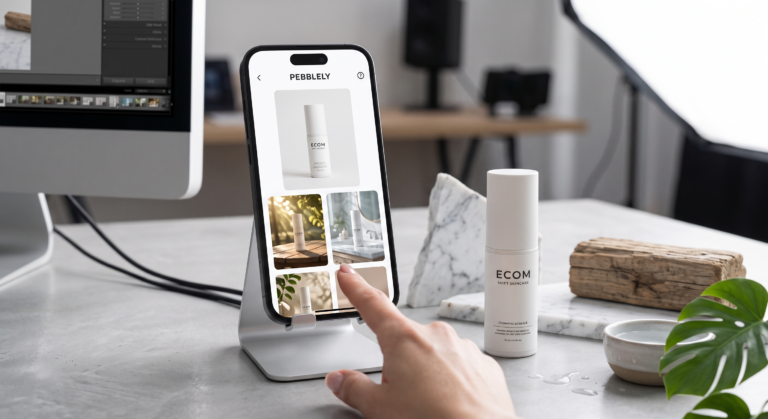
As explored in our comprehensive Pebblely Review, this platform was engineered with the busy dropshipper and marketing manager in mind. It eliminates the complex canvas workspace entirely in favor of immediate execution: you upload a transparent PNG, pick from dozens of curated category themes (e.g., “Cafe Table,” “Bathroom Shelf,” “Studio Minimalist,” “Kitchen Counter”), and click generate.
Where Pebblely Dominates:
- Effortless Speed: From raw supplier cutout to four downloadable lifestyle creatives takes less than 15 seconds.
- Automatic Color Reflection: Pebblely evaluates the background colors and bounces subtle ambient hues onto the surface of your bottle or packaging, preventing the “pasted-on sticker” look.
- Native Shopify Synchronization: Pebblely integrates directly into your Shopify admin, allowing you to generate and publish product photos without leaving your store.
- Seasonal Marketing Agility: Instantly adapt your product imagery for Black Friday, Christmas, or Summer promotions by switching category themes with a single click.
The Bottleneck:
You cannot manually drag and drop secondary props to exact pixel locations. If the generated scene places a prop too close to your label, your main option is to re-roll a new variation.
📖 Looking for Hands-On Pebblely Test Results?
We ran complete before-and-after tests on skincare and home goods to evaluate label clarity and shadow physics. Check out our full Pebblely Review: Hands-On Test & Pricing Breakdown.
Pricing & Cost Per Image: Which Offers Better ROI?
Pricing tiers alone can be misleading. To understand the real operational investment, we calculated the effective cost per usable asset for both platforms:
| Plan Tier | Flair AI | Pebblely |
|---|---|---|
| Free Tier | Generous test credits (Watermarked exports) | 40 free high-res photos (No credit card) |
| Entry Paid Plan | $10 / month (Starter) | $19 / month (Basic – 200 images) |
| Average Cost Per Image | ~$0.08 to $0.15 per final asset | ~$0.07 to $0.09 per final asset |
| Commercial Rights | Full commercial license on paid plans | Full commercial license on all plans |
💡 Need High-Volume Catalog Upscaling Beyond Staging?
While Flair and Pebblely excel at lifestyle staging, stores handling massive multi-supplier imports require dedicated batch upscaling. Check out our benchmark of the 5 Best AI Product Photography Tools for Ecommerce to see how platforms like Claid.ai handle automated feed compliance.
Final Verdict: Which Tool Wins?
If you are building a flagship direct-to-consumer brand where visual art direction, lighting consistency, and on-model shots drive your conversion rates, Flair AI is the clear technical victor. It offers the closest experience to an in-house digital photography studio.
However, if you run a dropshipping store, an Amazon storefront, or manage fast-cycling social media ad creatives where speed and daily volume matter more than microscopic prop placement, Pebblely will generate your entire seasonal catalog in a fraction of the time.
Flair AI
★★★★☆ (4.5 / 5)
Best for custom 3D canvas props, directional lighting control, and AI human fashion models.
Pebblely
★★★★★ (4.7 / 5)
Best for rapid turnaround, turnkey themes, official Shopify integration, and effortless lifestyle shots.
Frequently Asked Questions (FAQ)
Which is better for beginner ecommerce sellers: Flair AI or Pebblely?
Pebblely is significantly easier for complete beginners because it requires no prompt engineering or canvas setup. You simply select a pre-made theme and receive ready-to-use product photos immediately.
Can Flair AI or Pebblely replace a traditional commercial photoshoot?
Yes, for lifestyle, social media, and catalog hero imagery. As long as you provide a sharp, well-lit initial cutout of your product, both tools generate realistic contact shadows and contextual backdrops that match professional studio outputs at 90% lower cost.
Does Pebblely or Flair AI support bulk image generation?
Pebblely offers bulk batch processing on its Basic and Pro plans, allowing you to generate multiple theme variations for several products at once. Flair AI focuses primarily on individual canvas staging and variation exports.